Create a view
Create view from home page "Create new view"
Click "Create new view", and fill out the following:
- Label: enter name of view
- Description: enter a descriptive text
- Icon: Click and choose icon for view
- Color: Click and choose colour for view
- Base view on: Click and choose from what view you wish to copy filtering of products and field-settings. This is optional.
Click "Add" to save.
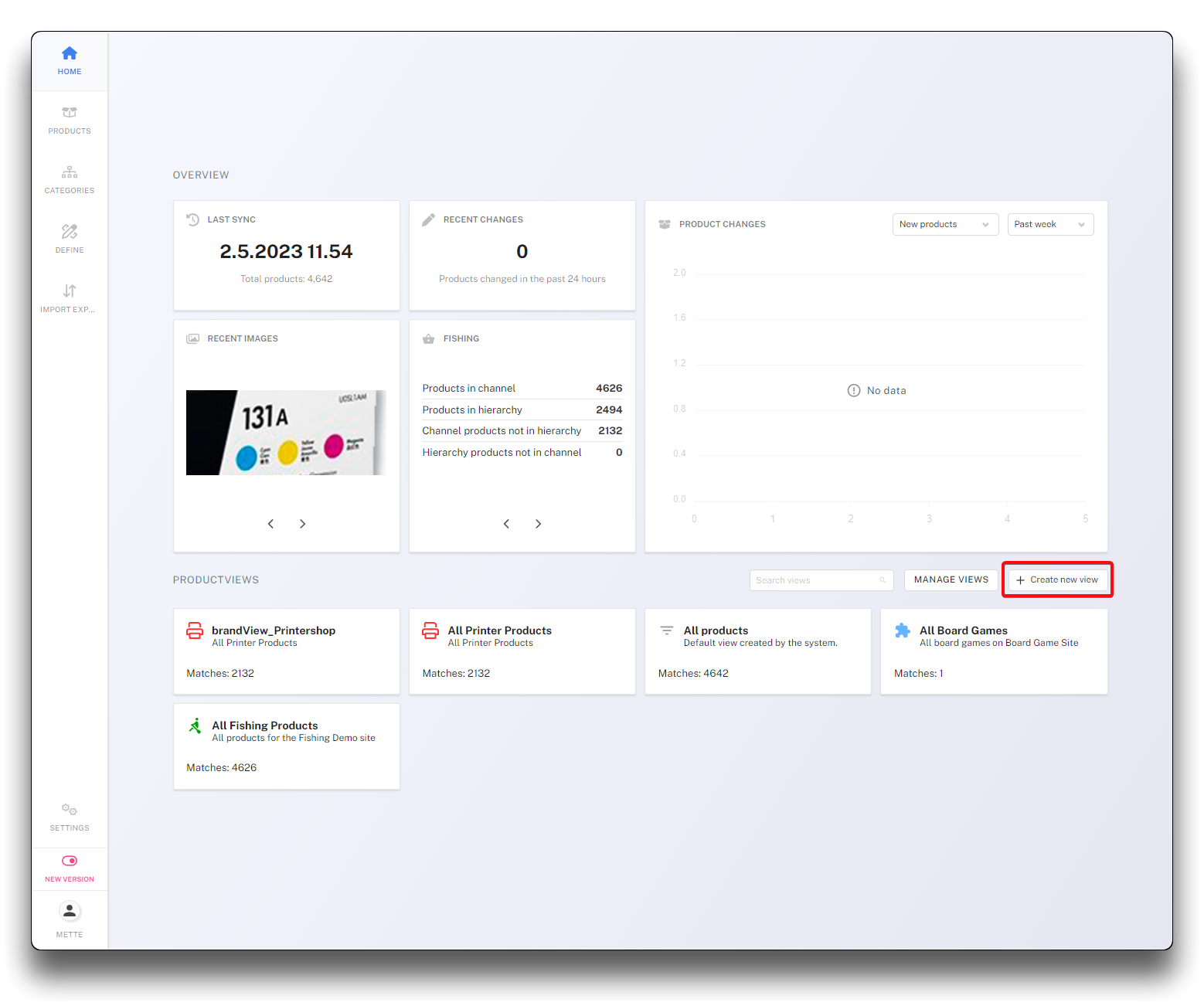
Creating a new view- step 1
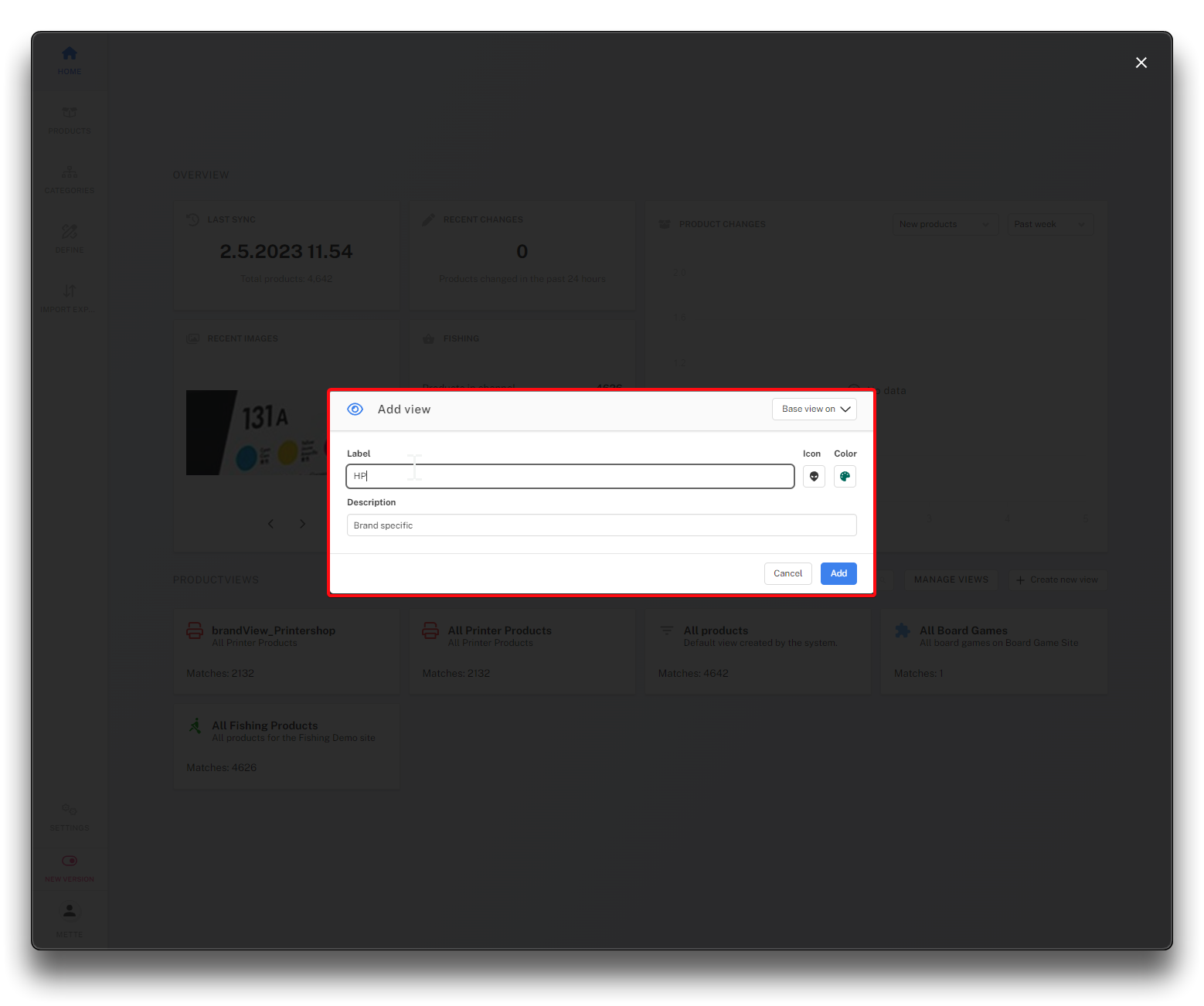
Creating a new view - step 2
Other ways of creating views
Views can also be created from an existing view or from the "Manage views" page.
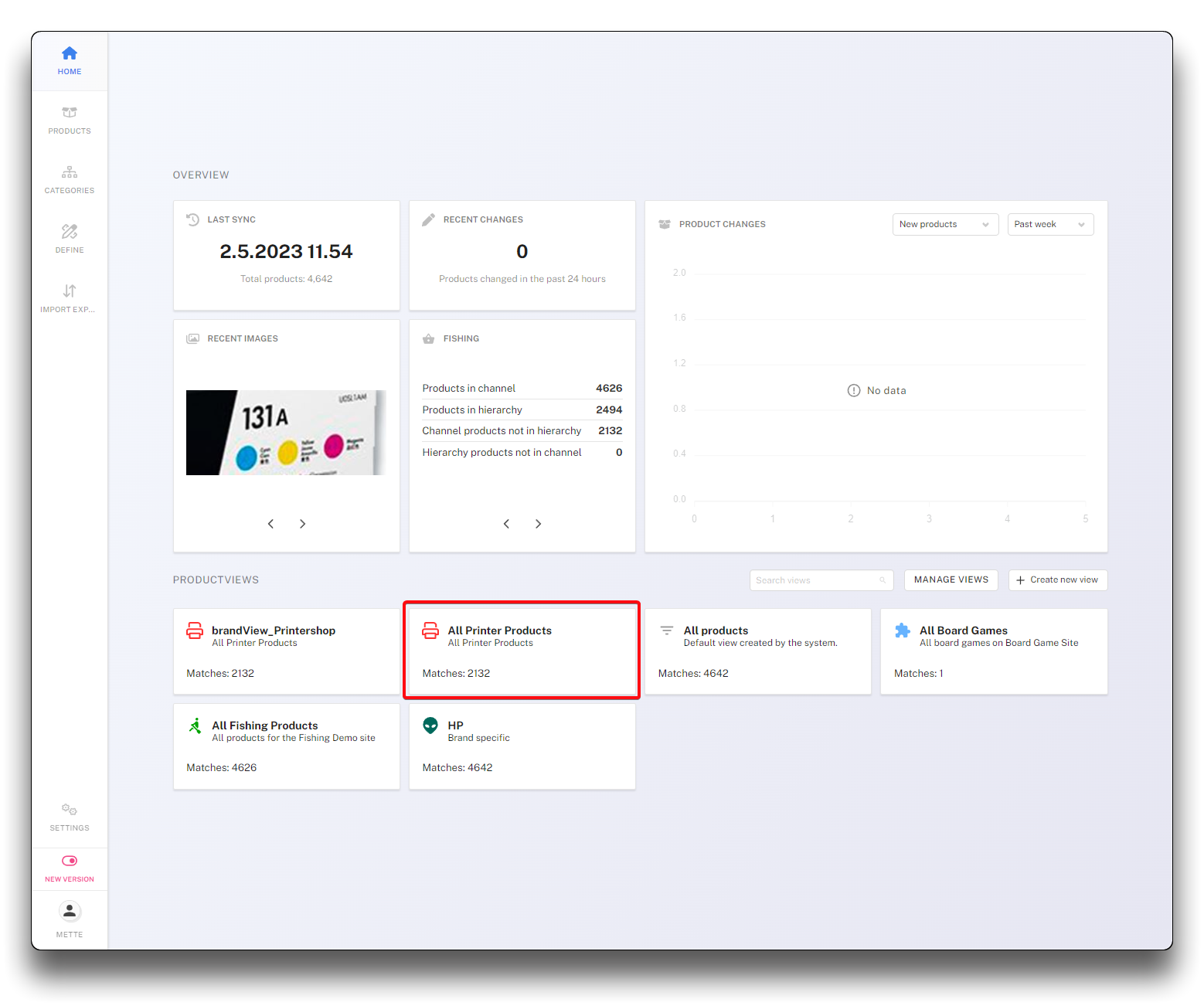
Create view from existing view - step 1
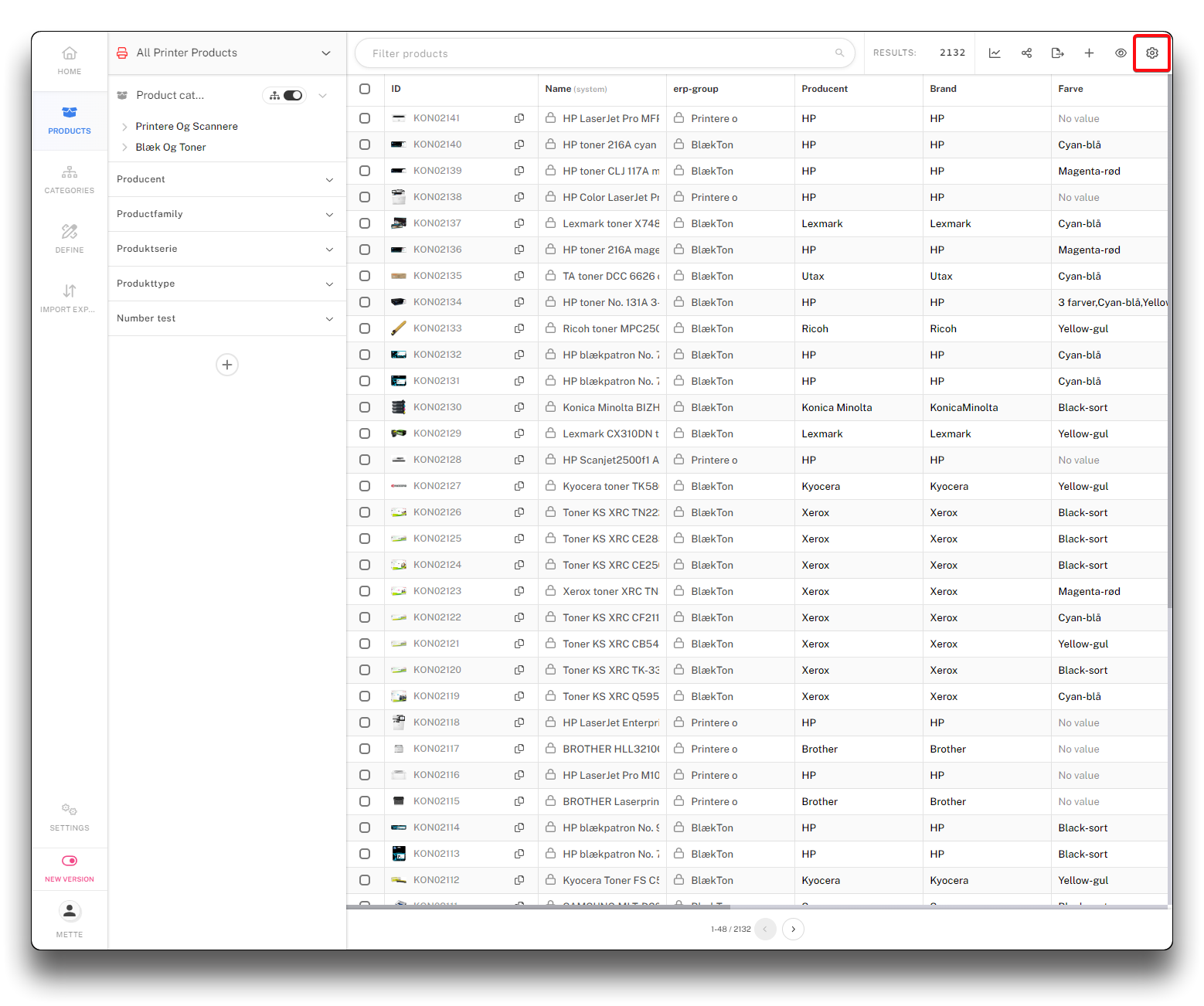
Create view from existing view - step 2
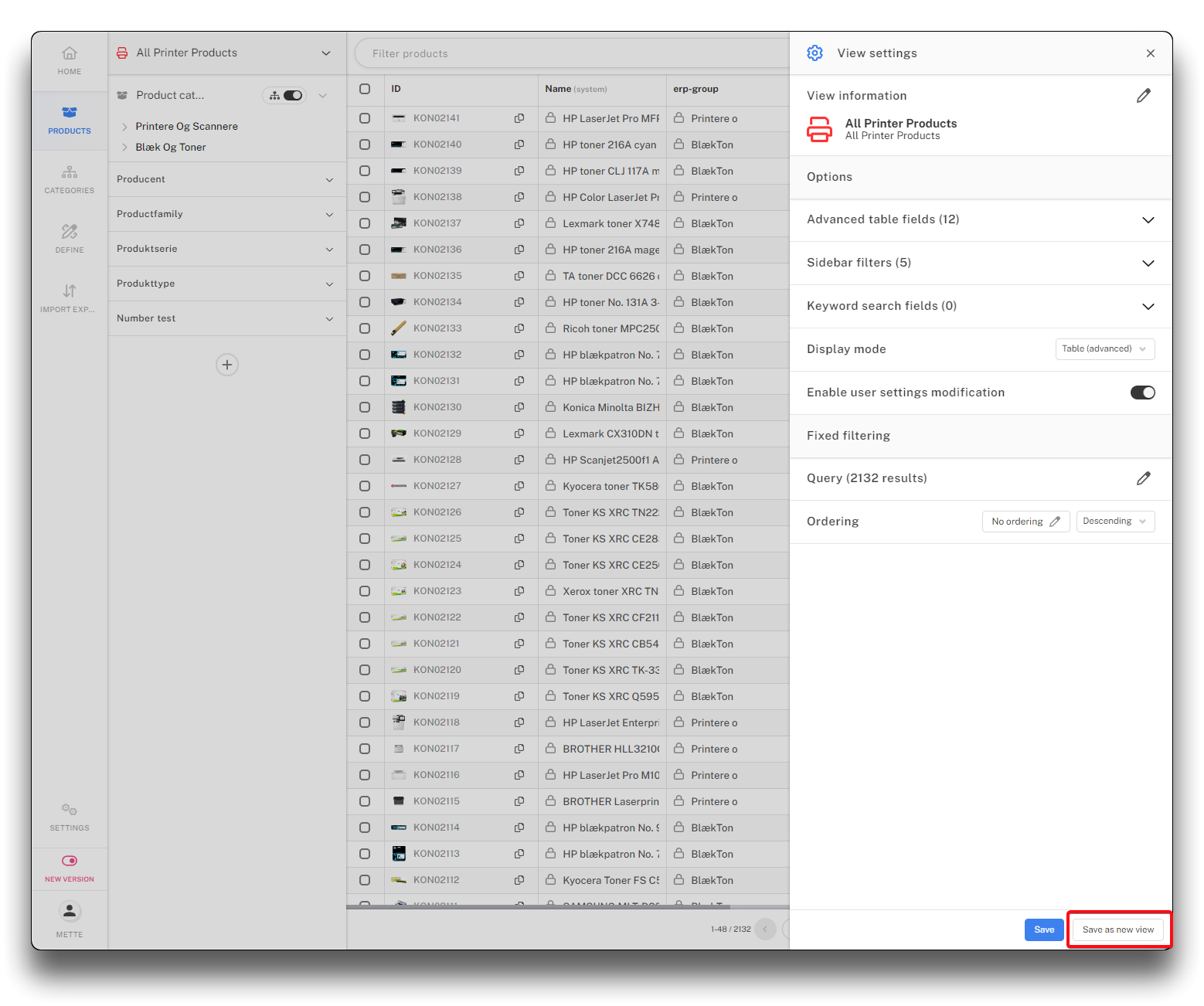
Create view from existing view - step 3
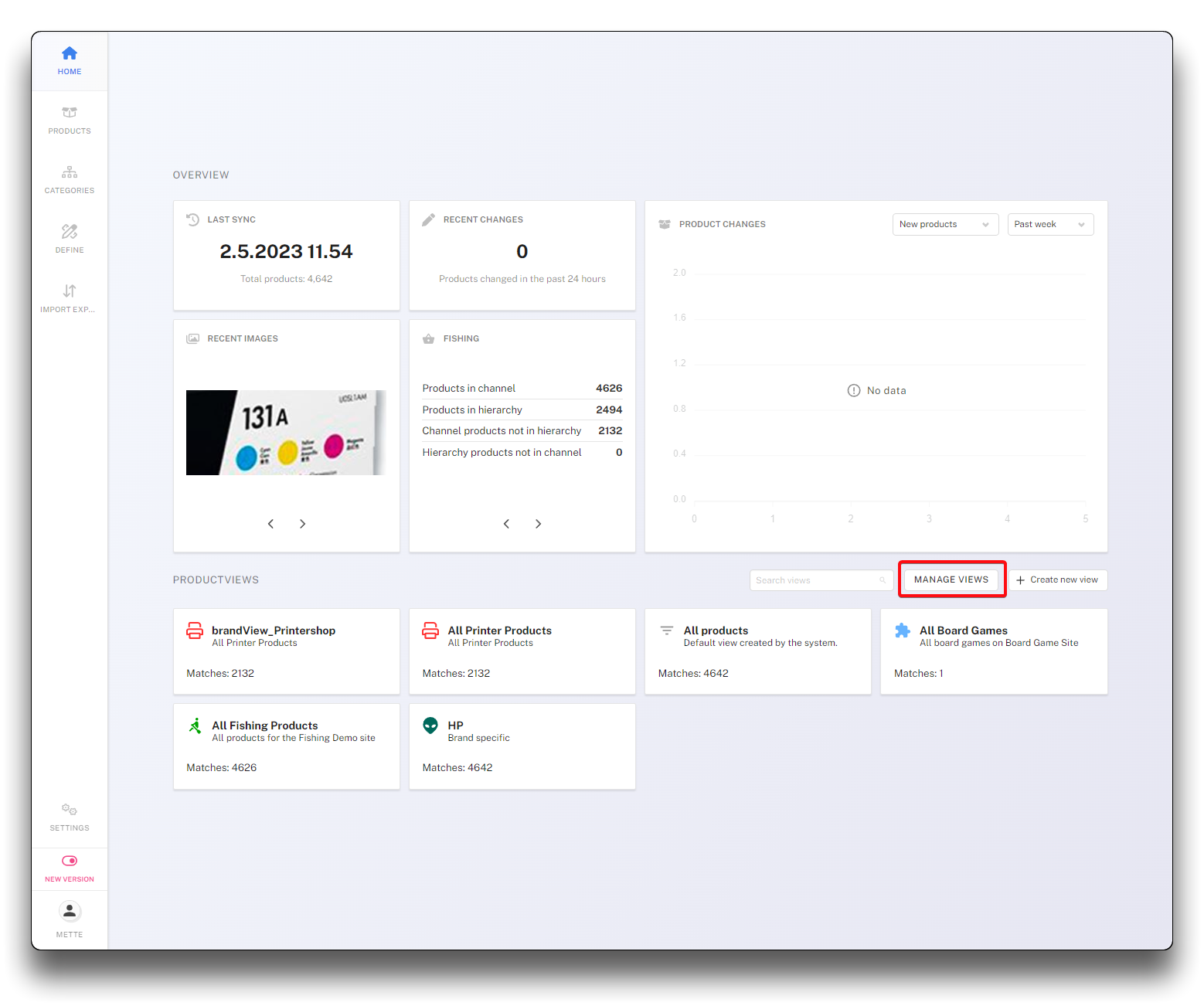
Create view from "Manage views" - step 1
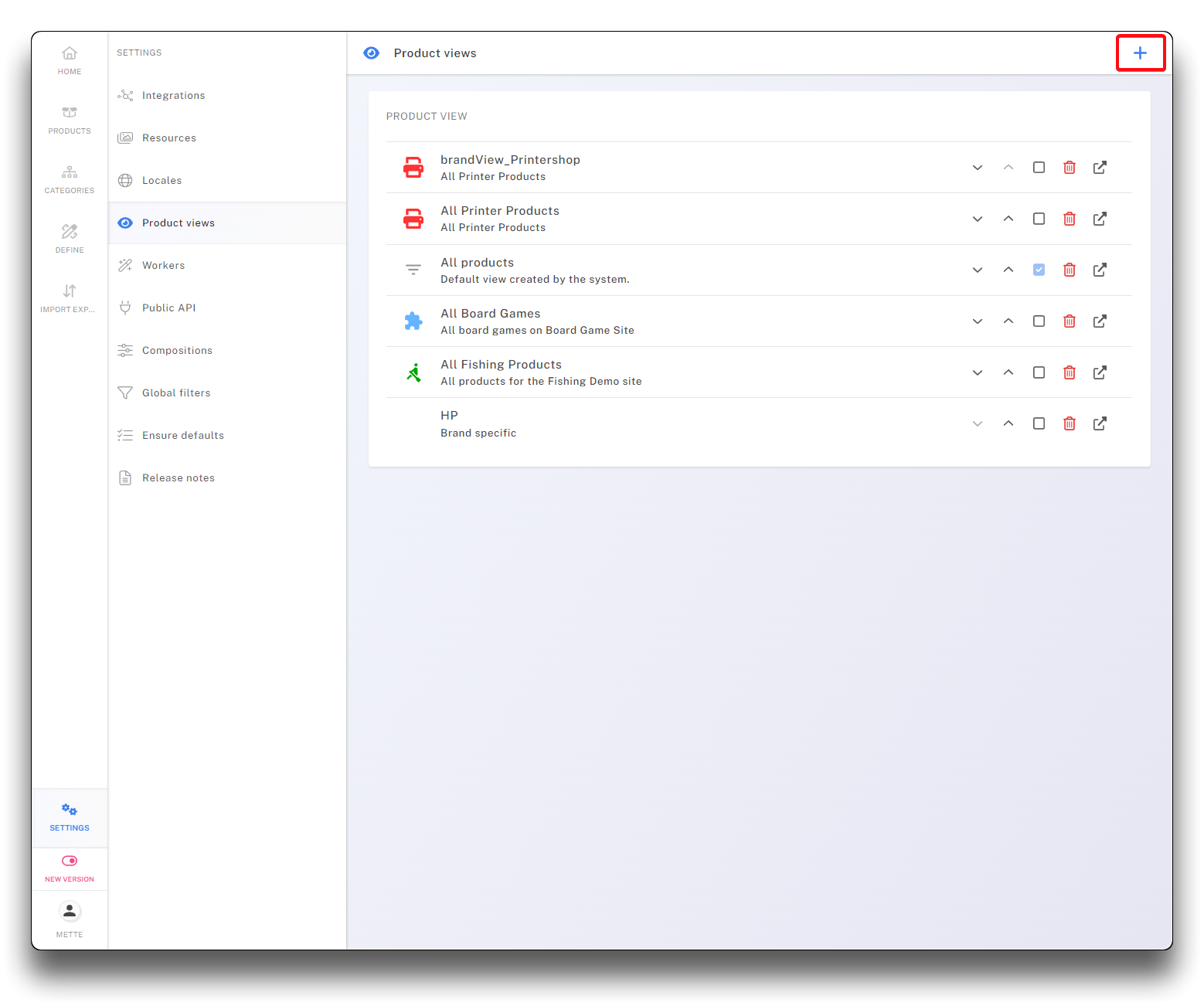
Create view from "Manage views" - step 2
Info
Creating or erasing views have no consequence for products in PIM