Query
Click the edit icon to add query. The number of results updates after each change to query. This is very helpful when checking if done correctly.
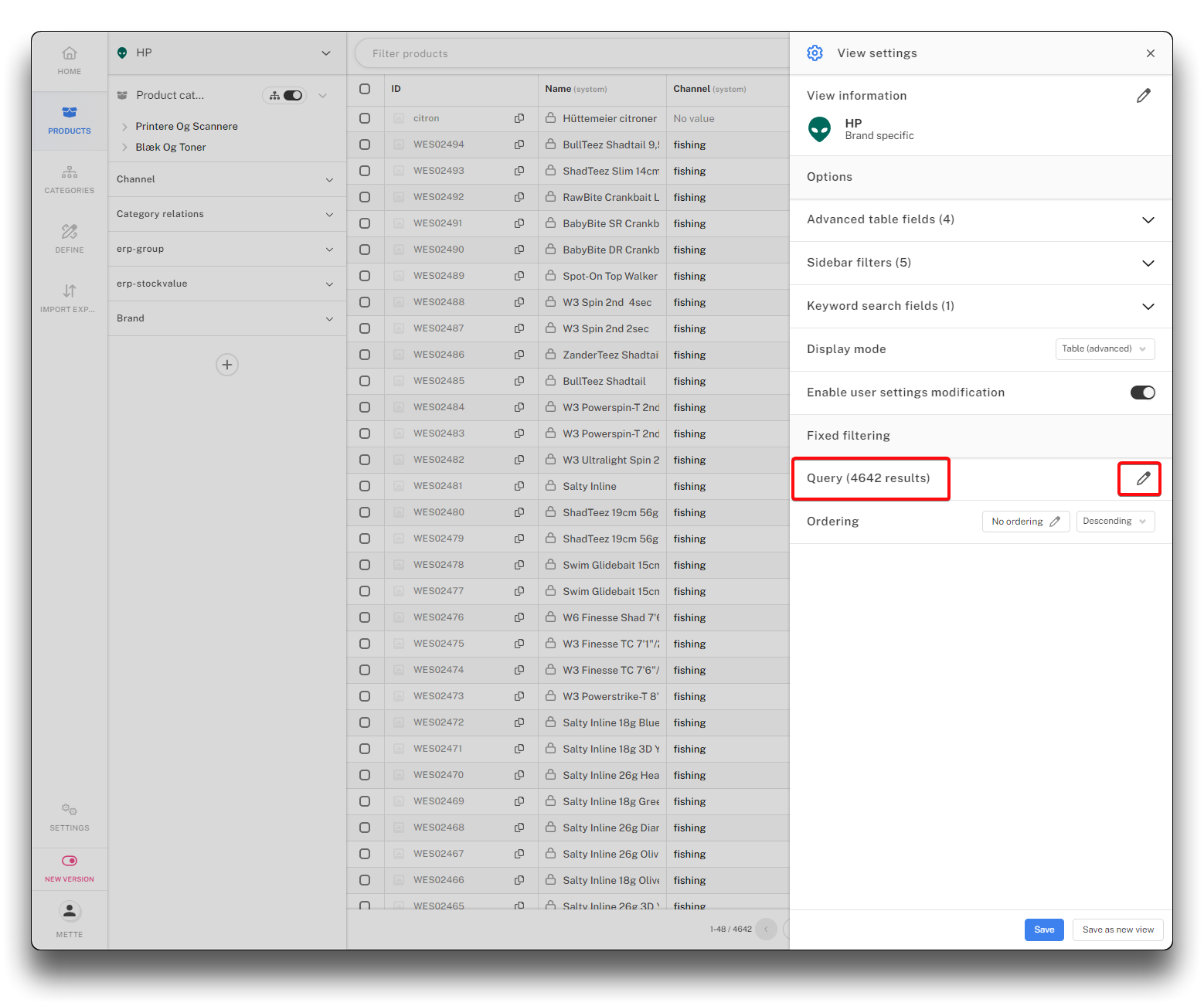
Add Query - step 1
The query is done by adding rules and groups as and/or.
By adding groups to the query, a more complex filter can be created.
Click "Confirm" when done and "Save" on the View settings page to add your selection.
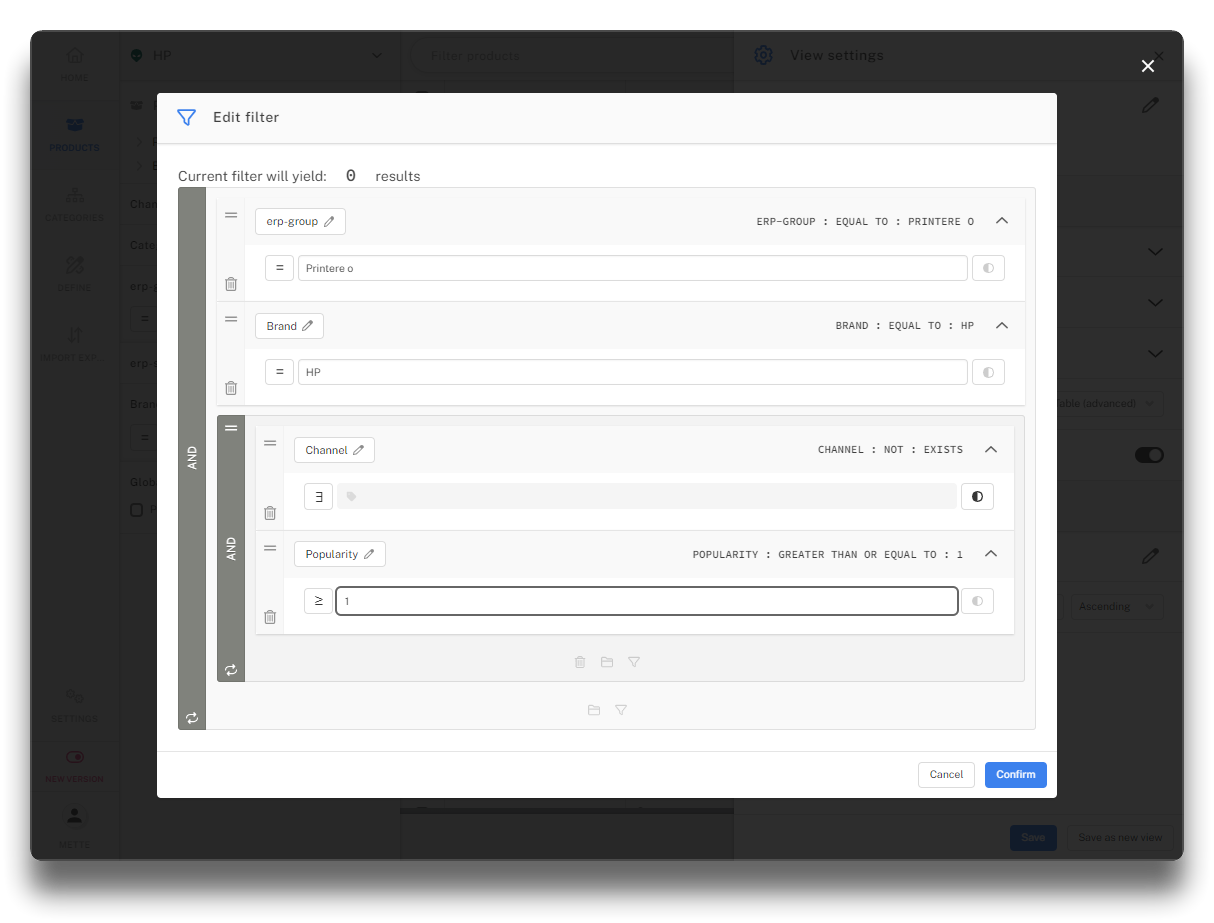
Query example